From AI solutions to custom software development, we help businesses build scalable, secure, and future-ready digital products.
Dbug transformed our business idea into a powerful digital solution. Their team delivered high-quality development, clear communication, and outstanding technical expertise from start to finish.
Tell us about your project, and our experts will get back to you with the best solution within 24 hours.
Tell us your idea.
We'll build your digital solution .
Still exploring? Let us help
From AI solutions to custom software development, we help businesses build scalable, secure, and future-ready digital products.
Dbug transformed our business idea into a powerful digital solution. Their team delivered high-quality development, clear communication, and outstanding technical expertise from start to finish.
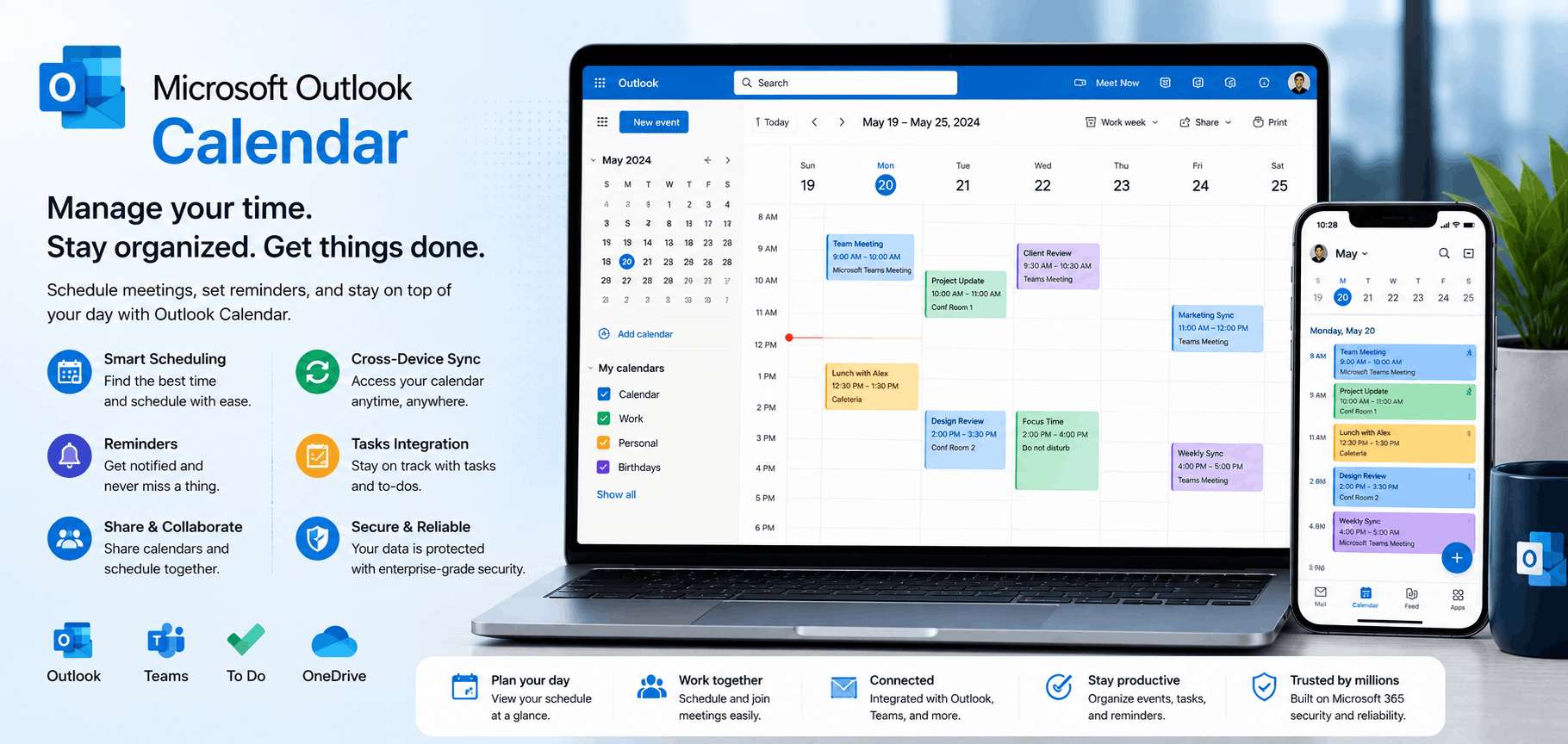
Enterprises running on Microsoft 365 need scheduling tools that work natively with Outlook and Microsoft Teams. Our Microsoft Outlook Calendar integration service connects your business applications with Microsoft Graph API to manage meetings and schedules programmatically. We build integrations that support enterprise security requirements while giving teams a seamless scheduling experience, backed by reliable Outlook calendar API integration services across Outlook, Teams, and your internal software.
What We Offer
We provide end-to-end development services, including:
Microsoft Graph API Integration —Custom development using Microsoft's Graph API for secure, scalable calendar connectivity.
Two-Way Sync with Business Systems —Real-time syncing between Outlook Calendar and your CRM, ERP, or internal dashboards.
Shared & Resource Calendar Management —Manage shared team calendars, meeting rooms, and equipment scheduling within Outlook.
Microsoft Teams Meeting Automation —Auto-generate Teams meeting links for every calendar event created.
Automated Scheduling Workflows —Trigger calendar events automatically from form submissions, ticketing systems, or CRM actions.
Azure AD & SSO Integration —Secure authentication tied to your organization's existing Microsoft 365 and Azure AD setup.
Custom Notification Systems —Automated reminders and alerts synced with Outlook event timing, delivered via email or Teams.
Recurring Event & Shift Scheduling —Logic for recurring meetings, staff shifts, and subscription-based scheduling.
Cross-Platform Calendar Sync —Sync Outlook with Google Calendar, Calendly, or other tools used across a hybrid tech stack.
Enterprise-Grade Security & Permissions —Role-based access aligned with your organization's Microsoft 365 permission structure.
Why Choose DbugLab
Outlook and Microsoft Graph integrations require careful handling of enterprise authentication (Azure AD, OAuth, tenant permissions) that many teams underestimate. We've built integrations for organizations already running on Microsoft 365 at scale, so we understand the permission scopes, throttling limits, and compliance considerations enterprise IT teams care about. Every integration we deliver is documented clearly enough for your internal IT department to maintain confidently after handover.
Industries We Serve
Corporate enterprises on Microsoft 365
Healthcare organizations & hospital networks
Financial services & banking institutions
Government & public sector bodies
Legal & professional services firms
Educational institutions using Microsoft ecosystem
How it Works
Requirements & Azure AD Review
We assess your Microsoft 365 setup and define the exact scheduling workflows to connect.
01
02
Microsoft Graph API Setup
We configure secure authentication and permission scopes through Azure AD.
Integration Development
We build two-way sync, Teams meeting automation, and notification workflows tailored to your systems.
03
Enterprise Testing
We test across shared calendars, resource booking, and permission edge cases.
04
Deployment & IT Handover
We launch the integration and document it clearly for your internal IT team.
05
Frequently Asked Questions
Yes, an active Microsoft 365 tenant with Azure AD is required, since the integration is built on the Microsoft Graph API and authenticates through your organization's existing Azure AD setup.
Yes. We build custom integrations connecting Outlook Calendar with CRMs, ERPs, ticketing systems, and internal dashboards so scheduling data flows automatically in both directions.
Yes, Teams meeting link generation is a standard feature we include, so every calendar event created through your system automatically comes with a ready-to-use Teams link.
We align integration permissions with your existing Azure AD roles and Microsoft 365 security policies, ensuring only authorized users and systems can access or modify calendar data.
Yes. We regularly build cross-platform sync solutions for organizations using both Microsoft and Google tools, keeping schedules consistent across the entire hybrid environment.